
Latest news: PC Recompilations section: work in progress

Team Retro · Installers
Free for every subscriber. No big drive needed: everything plays from the cloud except the main program, emulators and media.
Play from the cloud
You do not need a drive for the whole build any more. Everything works from the cloud, except the main program, the emulators and the media, which stay on your PC. The games stay on our server and come while you play.
The main program (LaunchBox or RetroBat), the emulators, the media and your saves.
The games. A game is fetched when you start it and kept in a cache, so it starts at once the next time.
A good internet connection and the free WinFsp driver, which the installer sets up for you. Keep the installer open while you play.
Click Play from server in LaunchBox FTP Installer or in RetroBat FTP Installer. If you prefer, you can still install a whole build on your own drive.
Latest versions
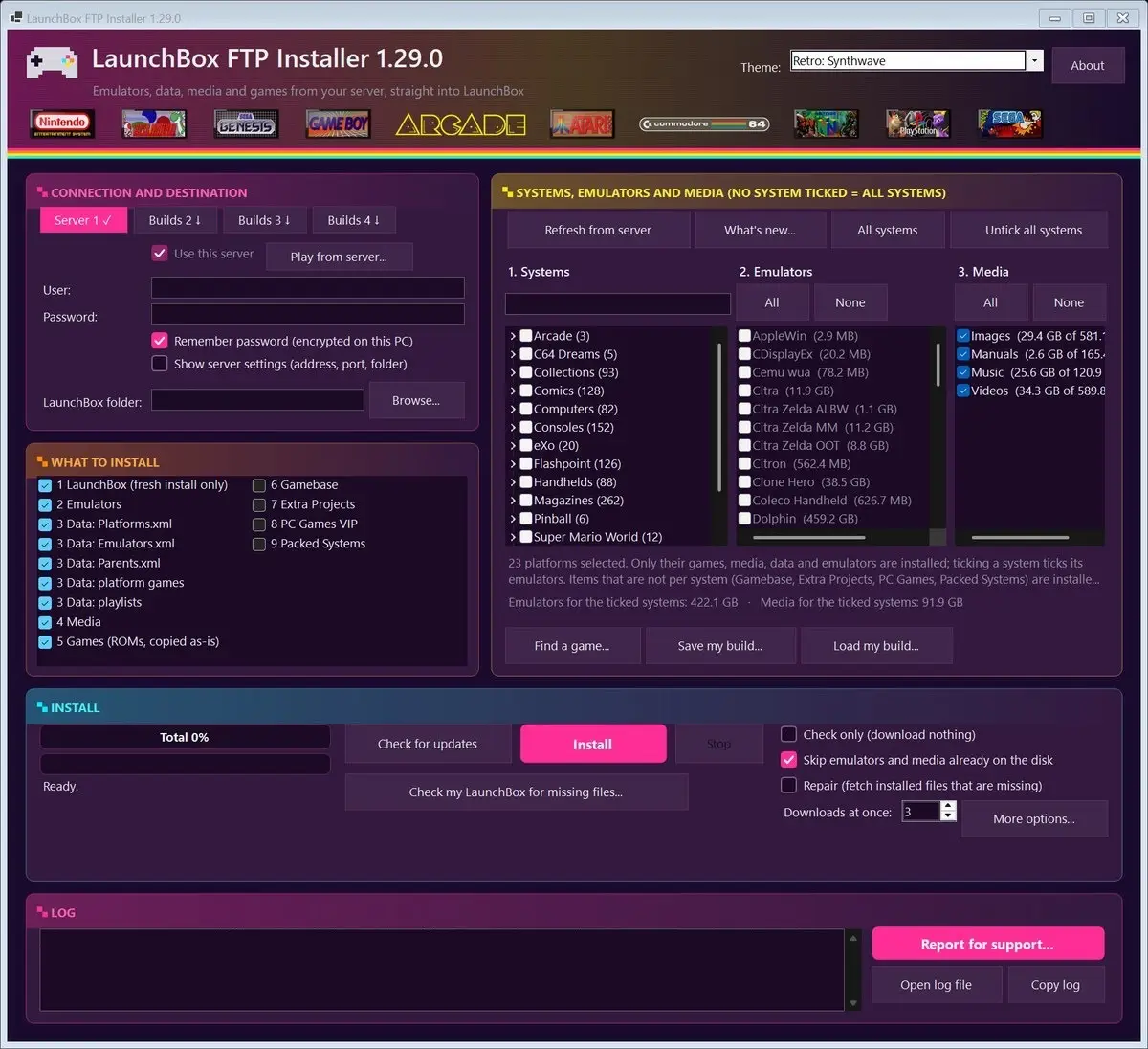
Installs your LaunchBox build from the LaunchBox FTP server. Tick the systems you want, click Install, play. Emulators, media and LaunchBox data go where they belong.
New in 1.29.0
Installing thousands of games is much faster, a cut-short install no longer downloads games again, Repair keeps your own emulator settings, and only the playlists of the systems you chose are installed.
Download it from the LaunchBox FTP server (folder “LaunchBox FTP Installer”) with your subscriber login. Windows.
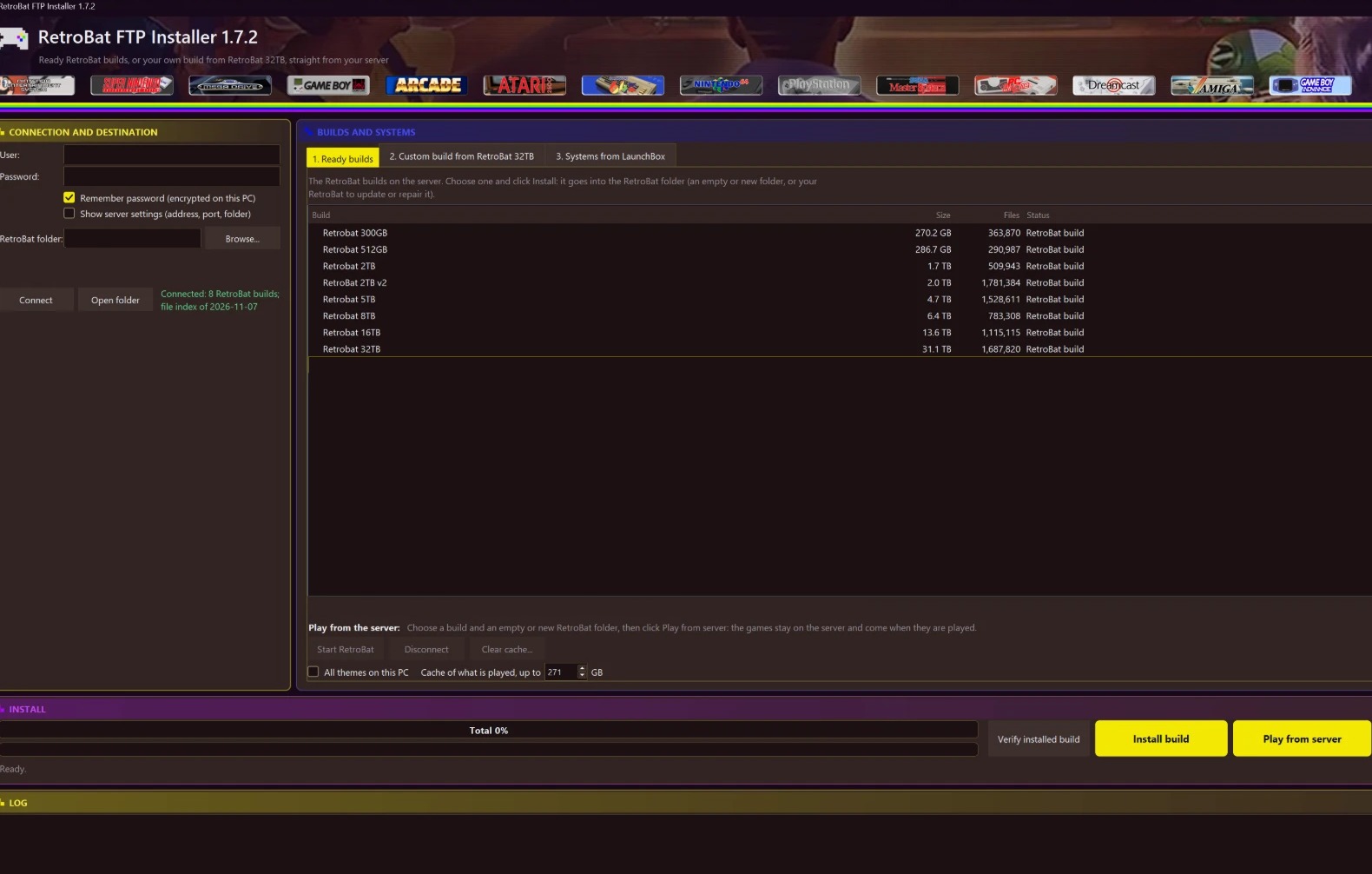
Installs RetroBat from our RetroBat server: a ready build from 300 GB to 32 TB, or a custom build of only the systems you tick, with their emulators, media and BIOS files.
New in 1.7.2
Updates no longer fail now and then, the server’s file list can never stop Connect, Windows’ own parts are always taken from Windows’ folder, and Report for support says more.
Already installed? It offers the new version itself when you click Connect. New here? Ask for the download on our Discord. Windows.
Update history
Older versions are listed under About in the program.
How it works
The login you got with your subscription opens the server. The connection is encrypted (FTPS).
A ready build or only some systems. The program shows the size and your free space before it starts.
When we publish a new version it asks you, checks that it is genuine, and restarts. Your settings and downloads stay.